na33 Login with Your Mobile Number
The form below signs you into your na33 account with the same mobile number you used at registration and the password you chose that day. Nothing else is needed. If the details are refused, the reason is usually small: a capital letter added by the phone keyboard, a stale page, or a number typed with the country code. The six fixes further down cover the rest.
No account yet? Register here first, it takes about two minutes.
18+ · Play ResponsiblyLog In With Your Mobile Number
Both fields are required. The account is tied to one mobile number, so use the one that received the welcome SMS, not a second SIM.
Four Steps From Form to Lobby
The whole sequence takes under a minute on a good connection. Here is what happens at each tap, and where most people lose a minute.
-
1
Load the page fresh
Open the login page in the browser you normally use. A fresh load matters. If the tab has been sitting open since yesterday, the session behind the form has expired and the button will spin without doing anything useful.
-
2
Type the mobile number
Enter the 11 digits without the +880 country code. The field takes digits only, so paste the number from your notes instead of retyping it. Compare the last four digits with the SMS you received when the account was opened.
-
3
Enter the password exactly
Turn off auto-capitalise before you start, or the first letter will arrive as a capital. Tick Remember me only on a phone that stays with you. On a shared handset, leave the box clear and log out when you finish.
-
4
Press Log In and check the wallet
The lobby loads with the balance in the top corner and your last game still in the history. If the balance reads ৳0, the money has not landed yet, so check the deposit guide before you try again.
Phone Number, Username or the App: Which to Use
One account, three ways in. The route you pick changes what you type and how long the session survives, but the balance and the games are identical behind each one.
| Route | What you enter | Best for | Worth knowing |
|---|---|---|---|
| Mobile number | The 11-digit number and your password | Any browser, and the first sign-in on a new device | Works on a borrowed phone, a tablet or a cyber-café desktop. You type the full form each time you return. |
| Username | The short name set in your profile, and the same password | Players who share a phone and dislike typing eleven digits | Pick a name that does not carry your real name, since leaderboards show it to other players. |
| na33 app | The password only, on a device where the session was kept | Daily players checking cricket odds through the afternoon | Version 3.4.8, 28 MB, Android 7.0 and above. The install guide sits on the app page. |
Whichever route you use, the password is the same one, and changing it in the account settings changes it on all three.
Six Fixes When the Page Says No
Almost every failed na33 login falls into one of these six patterns. Read the middle column first, because the reason decides the fix.
| What you see | Likely reason | What to do |
|---|---|---|
| "Password is incorrect" on a password you know | The phone keyboard capitalised the first letter, or a paste carried a hidden space at the end | Switch auto-capitalise off and type it by hand. Paste it into a notes app first so you can read the characters, then copy it across. Two clean attempts are enough; after that, stop and use the reset link instead of a third try. |
| The Log In button does nothing | The tab sat open for hours and the session expired, or the data connection dropped mid-request | Reload the page from na33.im/na33-login/ rather than pressing the back button, which often restores an old copy. Move from Wi-Fi to mobile data and try once more. A two-bar connection is frequently the whole problem. |
| The one-time code never arrives | SMS congestion, a full message inbox, or a number saved with one wrong digit | Wait a full minute before asking again, because two quick requests delay both. Check the spam folder of the message app and confirm the phone has signal. If the number on the account is wrong, live chat is the only route to fix it. |
| The account is temporarily held | Several wrong passwords in a row look like someone guessing at the account | Stop trying. Wait a few minutes, then run the password reset, which clears the hold along with the old password. Do not open a second account, since bonuses and withdrawal limits follow the first one you registered. |
| Signed out in the middle of a game | You logged in on a second device, or the browser cleared its site data on exit | Log in again and finish the round; the bet stays in the history either way. On a shared phone, browse in a private tab so the browser does not wipe the session every time it closes. |
| Login works but the balance is ৳0 | A deposit is still being processed, or you signed into a second account by mistake | Open the deposit history first. bKash and Nagad usually land in about a minute. If the money left your wallet and is missing here, send the transaction ID to live chat with the amount and the time. |
Keep the Password Out of Other Hands
A stolen login is worth more than a stolen phone, because the wallet behind it can be emptied in minutes. Five habits cover almost every case.
-
Do not reuse the bKash PIN
Your wallet PIN, your NID number and your date of birth are the three things a caller needs to pretend to be you. Keep the na33 password different from all of them, and never read it out during a phone call, whoever the caller claims to be.
-
Treat a saved session like cash
A ticked Remember me box keeps the account open until you log out. On a shared handset, a cyber-café desktop or a phone you are about to sell, log out first and clear the browser's site data for na33.im. The next visit will ask for the password again.
-
Check where the form sits
The real sign-in form is on na33.im/na33-login/. Links pasted into SMS, Facebook groups or Telegram channels can lead to a copy of this page built to record what you type. Type the address yourself rather than tapping a link somebody sent you.
-
Support never asks for the password
Live chat asks for your registered number and, before a withdrawal, a photo of your NID. Anyone asking for the password, a one-time code or a bKash PIN inside a chat is not from na33. Close the conversation and start a new one from this page.
-
Change it when something feels off
If a relative used the phone, if the password was written in a notebook that travelled with you, or if the account was opened on a borrowed device, change the password from the account settings and log out of every other device.
Locked Out? Reset and Return
The reset uses SMS, not email, because the account was opened with a phone number. Three steps and you are back in the lobby.
-
1
Tap Forgot password
The link sits under the password field on the form above. The reset page asks for the mobile number on the account, so keep the SIM in the phone that you registered with.
-
2
Take the code and set a new password
Enter the number, copy the code from the SMS and choose a password you have not used before. The old password stops working the moment the new one is saved, on the browser and the app together.
-
3
Log in and check the account
Sign in again and open the cashier to confirm nothing moved. If the number on the account no longer belongs to you, live chat can verify the account with your NID and move the login to the new number after a short review.
Signing In From the na33 App
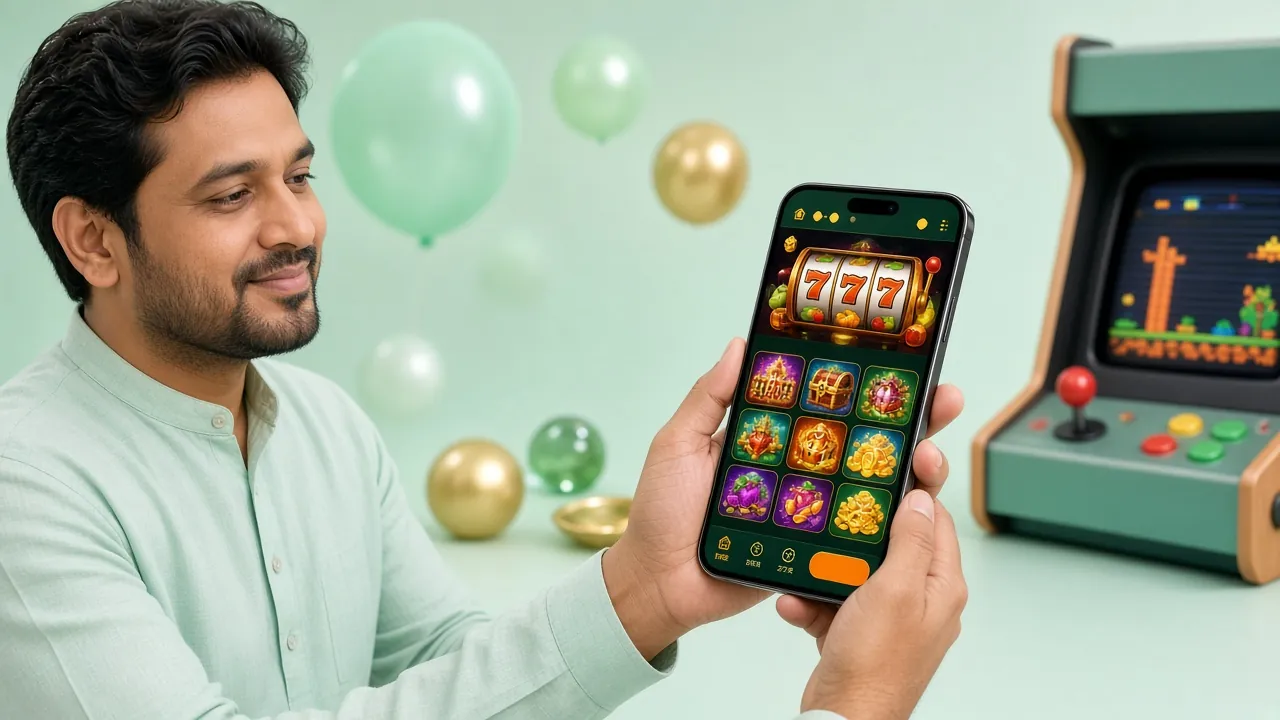
The Android build keeps the session on the device, so most days you open the app and land in the lobby without typing anything. When it does ask, the password is the same one the browser takes. Once you are inside, the casino lobby holds the slots, live tables and the crash titles.
- Version
- 3.4.8
- File size
- 28 MB
- Android
- 7.0 and above
- Price
- Free
Answers to the Log In Questions Players Send
These six come up in live chat most often. If your case is not here, the chat window answers in a couple of minutes, day or night.